Blog
Guides and deep dives on private AI, confidential computing, meetings and agents that stay on your machine.
Latest
- Guides
Privacy by Design: How Wisp uses Phala to power confidential AI
Wisp is built around **privacy by design**: it isn’t enough for an AI provider to promise not to read, store, or train on your data. Those protections should be built into the system so that access is structurally prevented—not left to a provider’s word or privacy policy.

- Guides
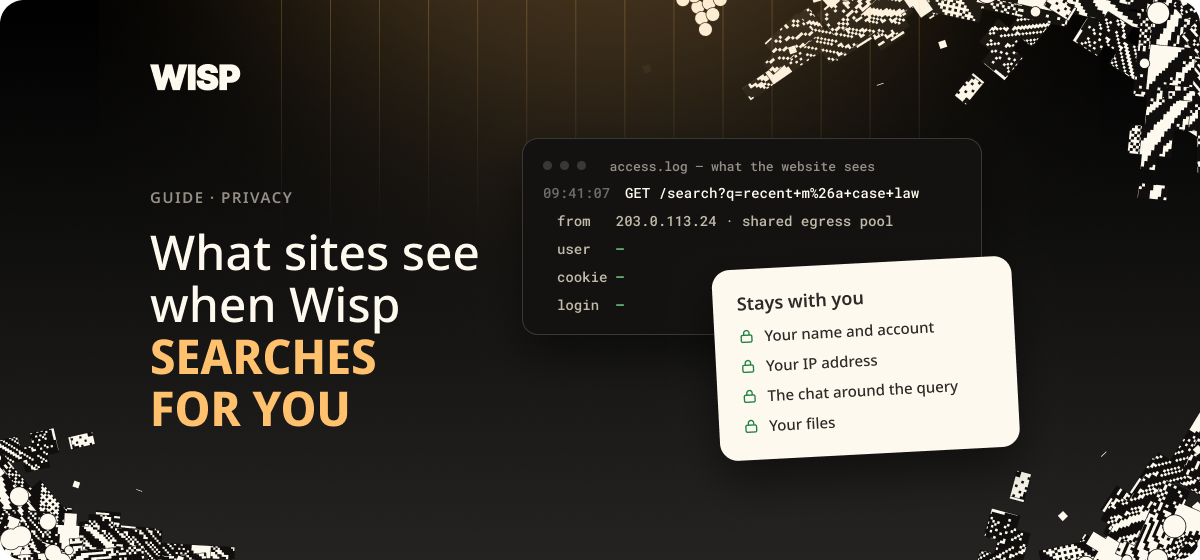
Private Web Search: What Sites See When Wisp Searches for You
Under every Wisp chat sit three small words: **Private Search**. They make a specific promise, and it's narrower than \"anonymous\". This explainer sets out what a website can tell when Wisp searches on your behalf, what it can't, and how the data is parsed.
- Guides
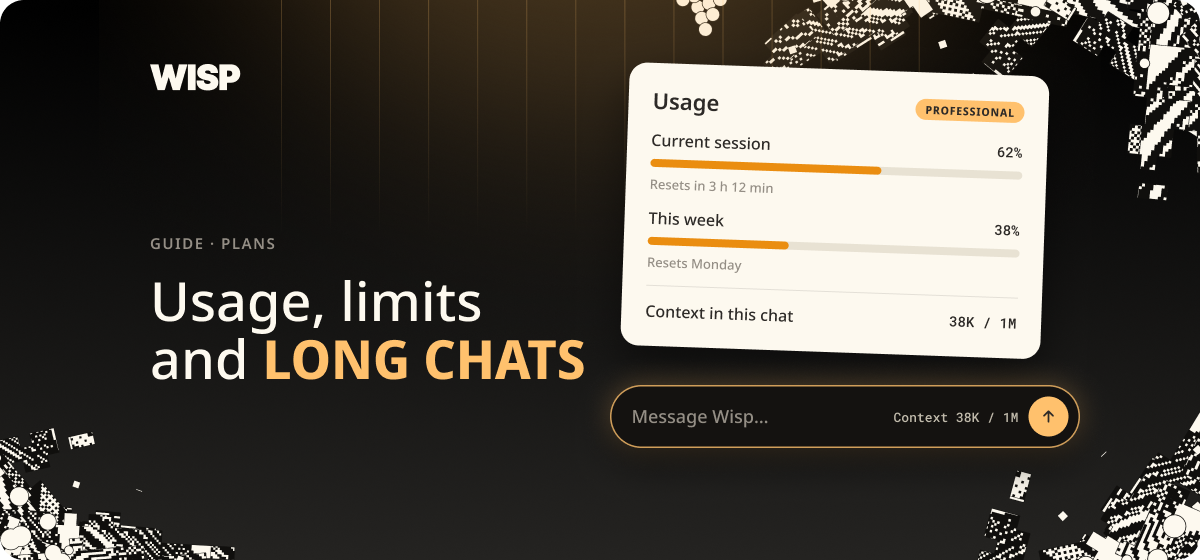
Usage, Limits and Long Chats in Wisp
Wisp shows you how much of your allowance you've used, and how full the current chat is. Both are easy to miss. This short guide shows where the numbers are and what to do when one of them gets high.
- Guides
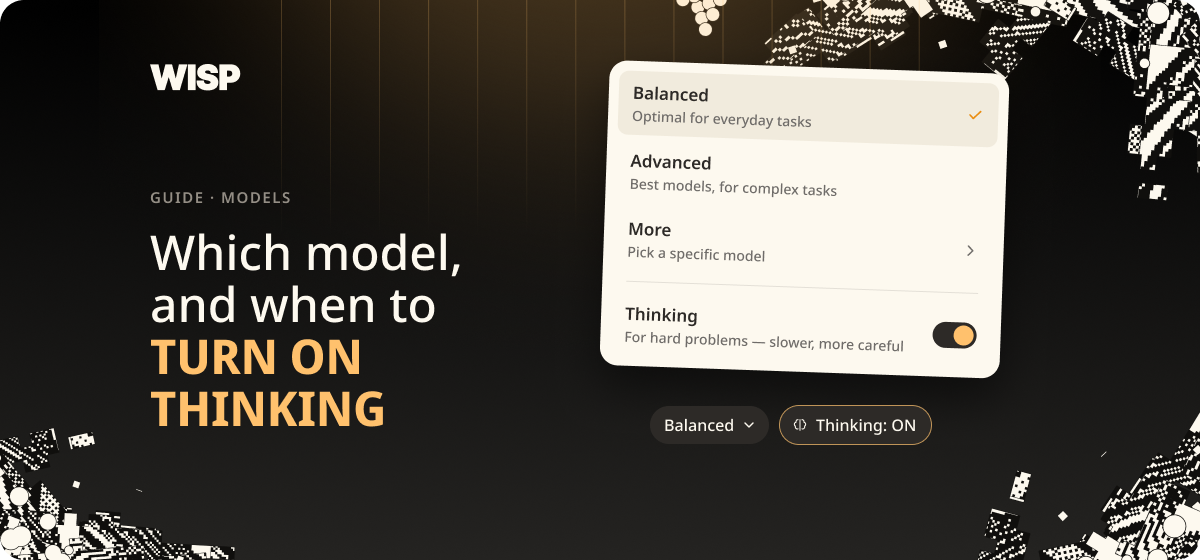
Which Model to Pick in Wisp, and When to Turn On Thinking
Two controls sit under the message box in Wisp: a model menu and a button marked **Thinking**. Most people never touch either. This guide explains what each option says it's for, and shows one test where the Thinking button changed the answer.
- Guides
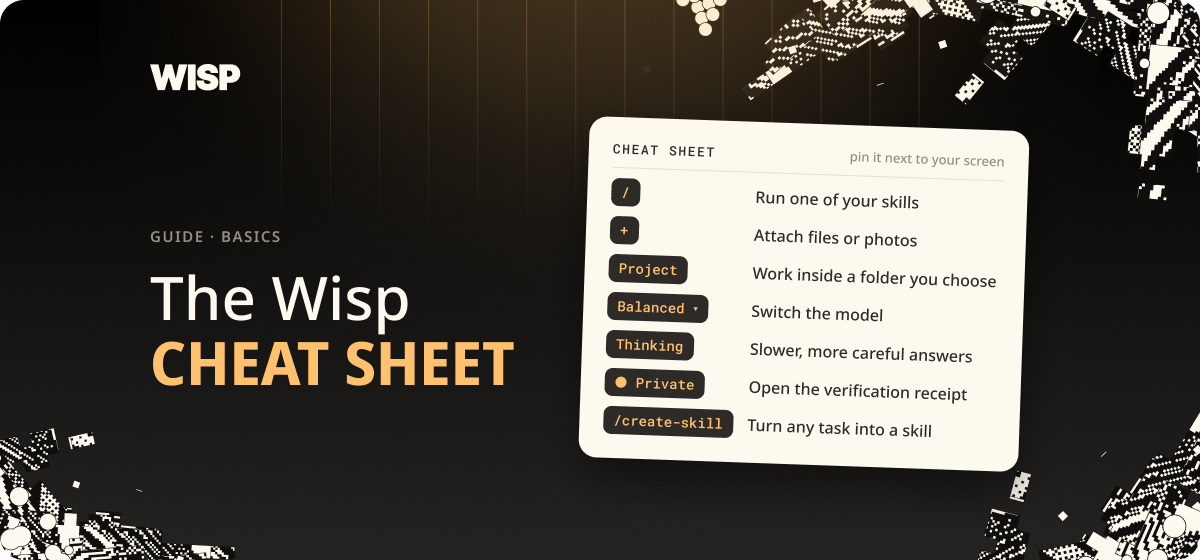
The Wisp Cheat Sheet
Everything on one page: where the controls are, what the buttons mean, and the fixes for the things that most often go wrong. Each item here was checked in the app in October 2026.
- Guides
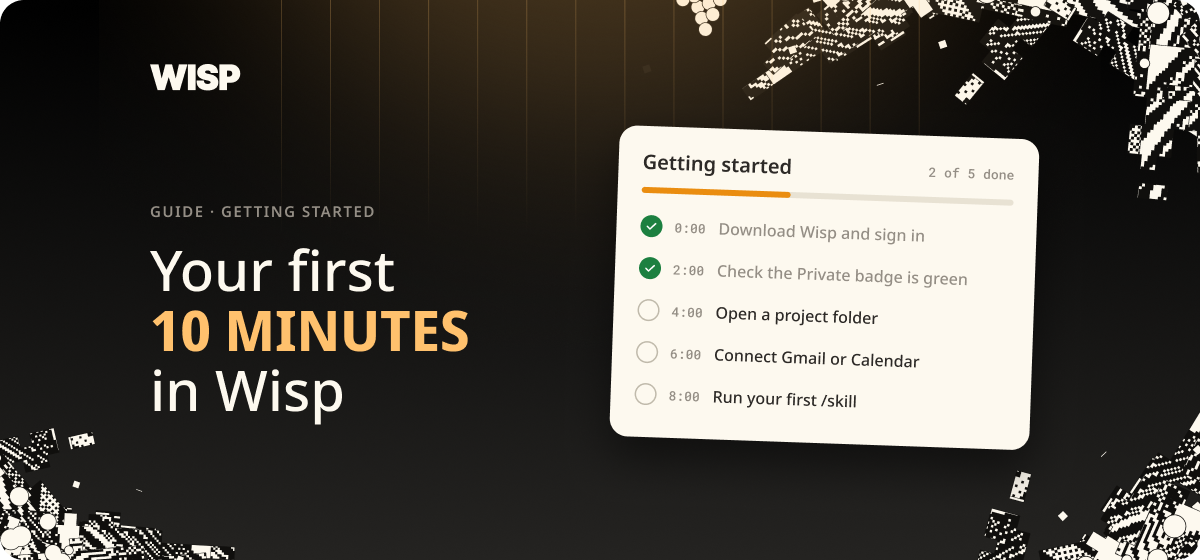
Your First 10 Minutes in Wisp
Wisp works on the files you already have, in a folder you choose, on your own machine. This guide takes a new user from an empty chat to a first finished document: pick a folder, ask a question about what's in it, and have Wisp write something back into it.
- Guides
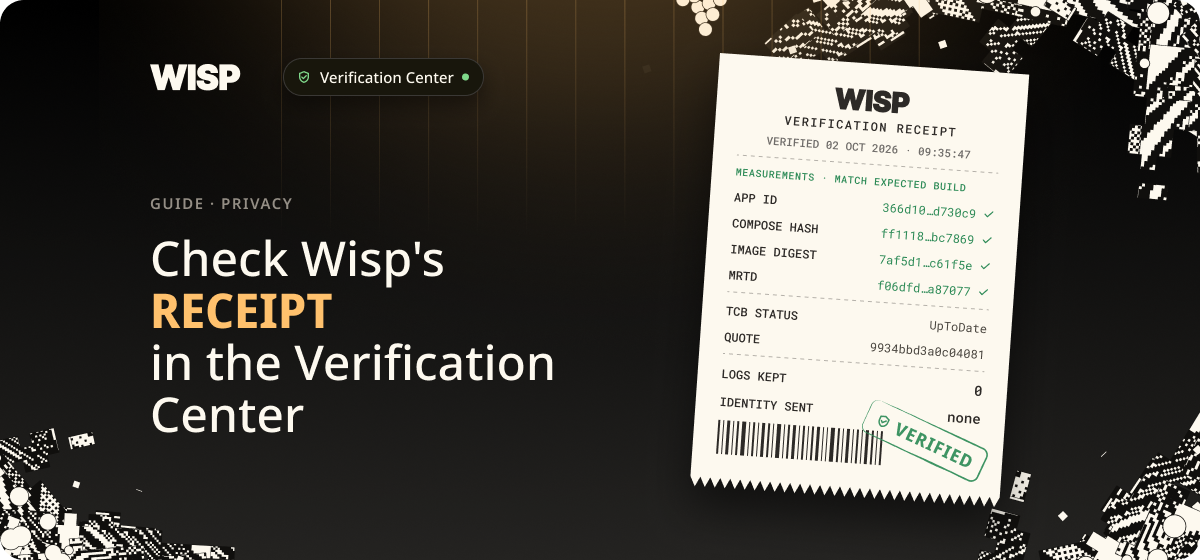
Check Wisp's Receipt in the Verification Center
One click on the 'Private' button opens the Verification center, which maps where your prompt goes and displays a signed receipt from the hardware enclave that handles it.
- Guides
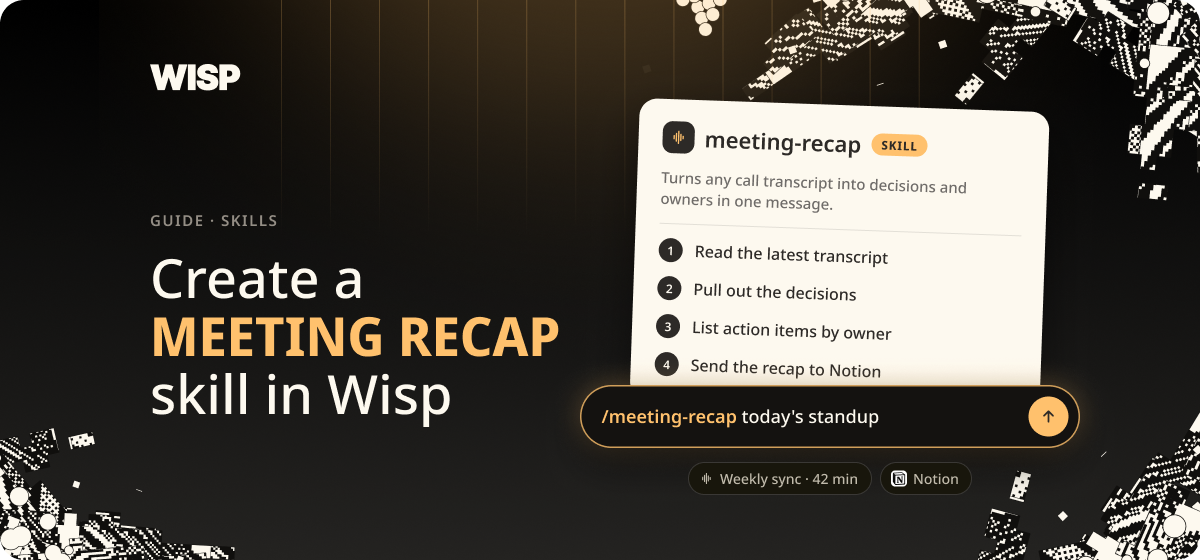
Create a Meeting Recap skill in Wisp
If you record your calls in Wisp, you can save the recap you'd write by hand as a skill and run it after every call.
- Guides
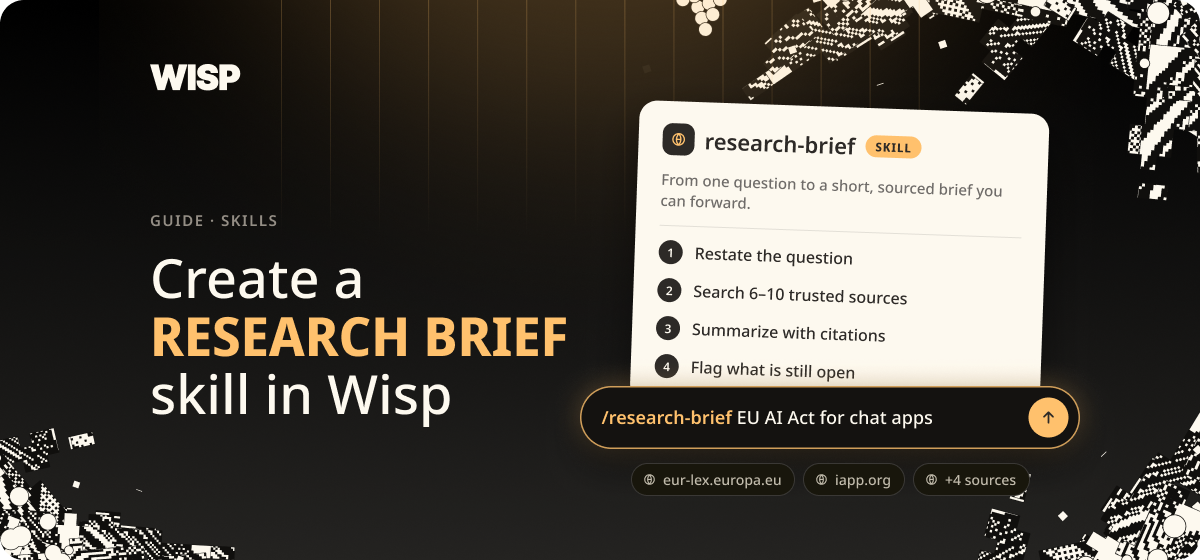
Create a Research Brief skill in Wisp
Most research starts the same way: a dozen searches, twenty open tabs, and a summary that quietly drops the links. A Wisp skill can do the legwork the same way every time.
- Guides
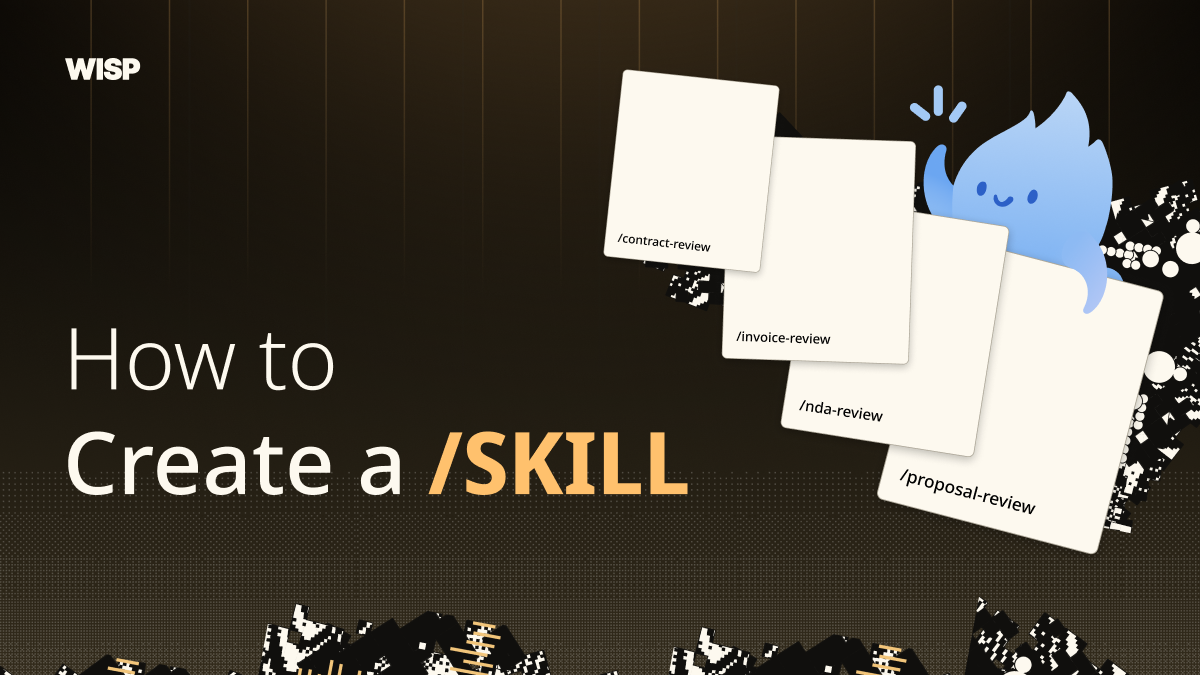
Create a Contract Review skill in Wisp
If you review the same kinds of contracts more than once, you can save the checklist and instructions as a Wisp skill. Then call it when you need it instead of rebuilding the prompt each time. In this guide, we’ll create a skill that reviews MSAs, NDAs, SOWs, DPAs, and vendor terms. It will look for specific clauses, quote the language it flags, cite the relevant section, and identify protections that may be missing.
- Guides
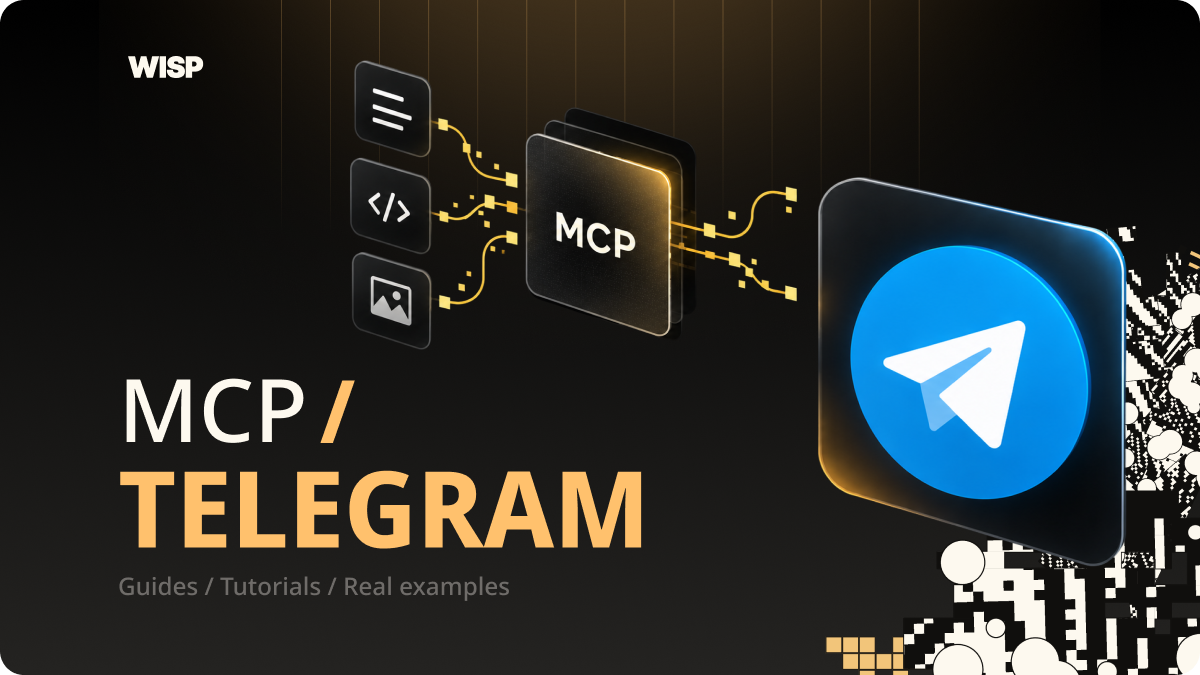
Connect Wisp to Telegram in 5 Minutes
Wisp can read, search, and send messages in your Telegram chats — post summaries to the team group, find that link someone dropped last week, DM you updates.
- Guides
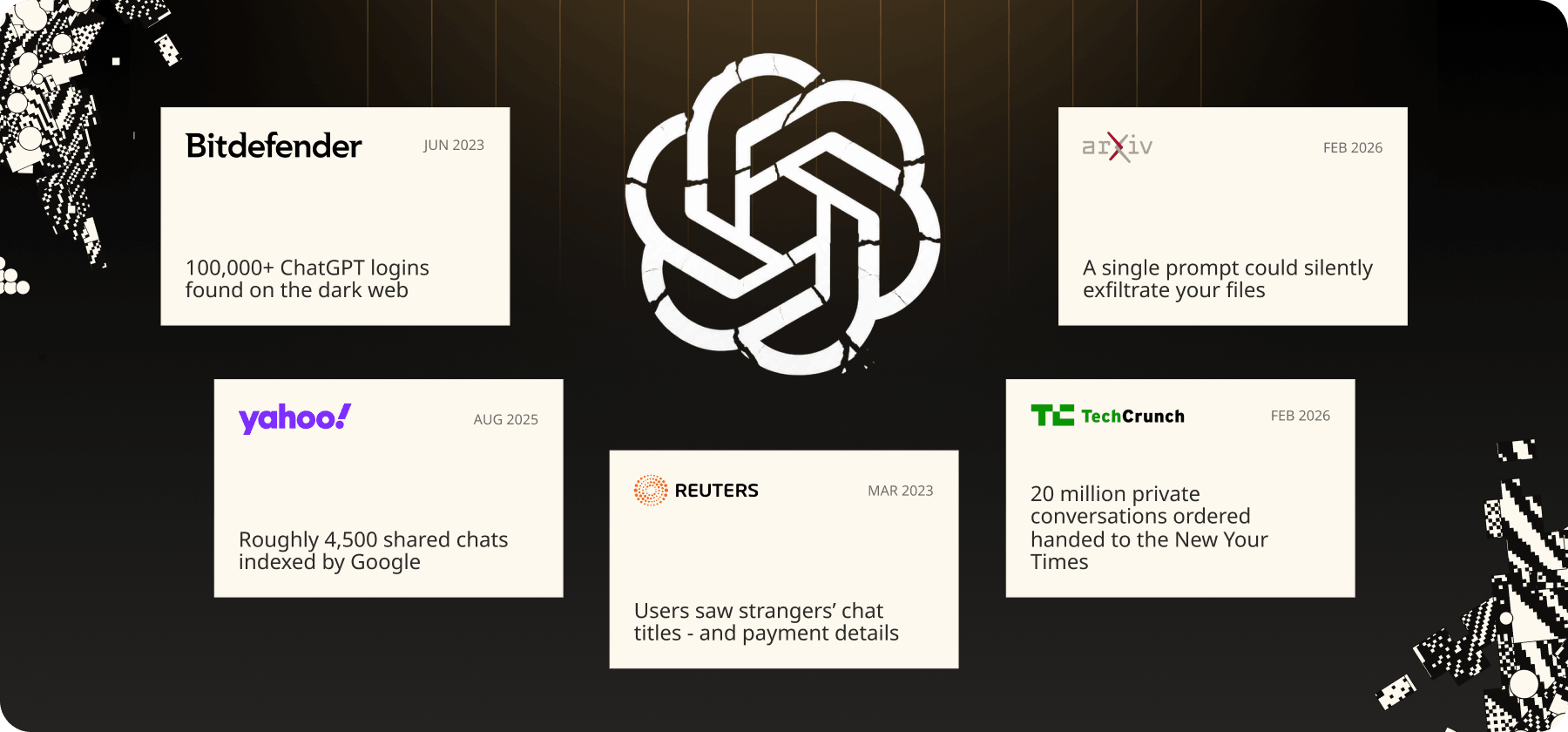
Is ChatGPT safe? An honest answer, with receipts
It depends entirely on what you'd be uncomfortable seeing in a stranger's search results, a training dataset, or a court exhibit. Here's what actually happens to what you type.